LMU OneCard
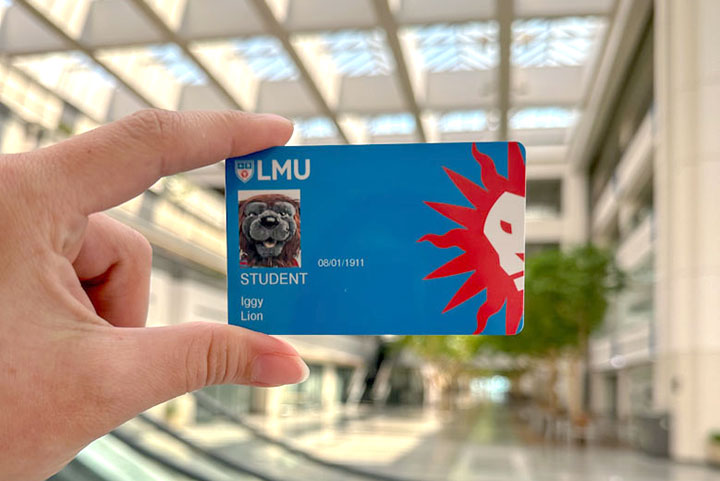
The LMU OneCard is a multi-functional, campus ID "Smart Card" that provides students, staff, and faculty with access to: Lion Wallet accounts containing applicable Meal Swipes, Dining Dollars, Flexi-Dollars, and program flexible allowances; door access to authorized classrooms, offices, computer labs, laundry facilities and dorm rooms; various campus events and services such as the LMU shuttle, mail distribution center, William H. Hannon Library and Burns Recreation Center. All LMU OneCard cardholders agree to abide by the LMU OneCard Terms of Use.
How do you get your first OneCard?
How you obtain your first OneCard, depends on your relationship to the university and your orientation event. Please flip through the options below to review how different types of new arrivals can obtain their first OneCard. In each case, a government-issued ID is required for proof of identity before taking or uploading a photo into our campus credential system.

Manage your OneCard Accounts in One Place
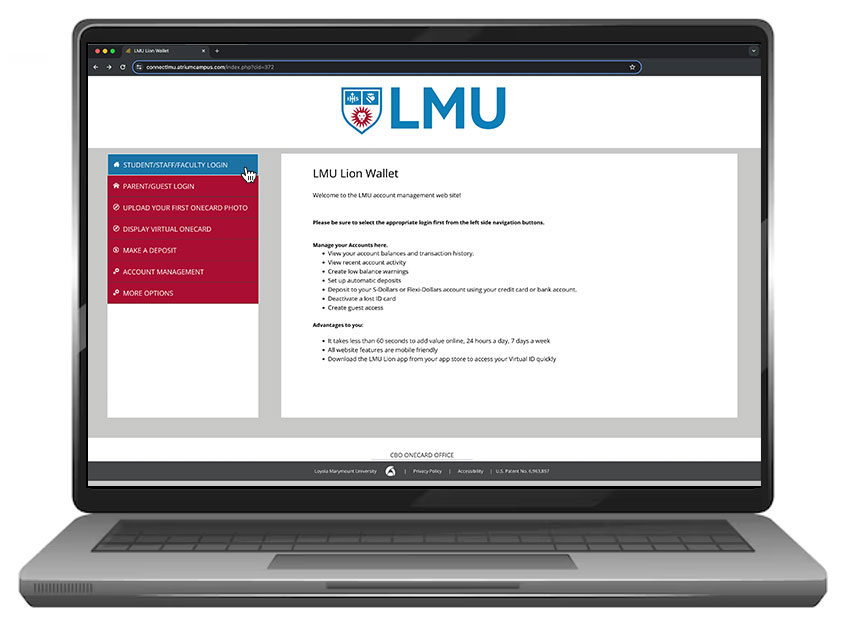
Welcome to Lion Wallet!
BE SURE TO LOGIN FIRST by using the "Student/Staff/Faculty" button and then you can:
- Upload your first OneCard Photo (View photo upload guidelines)
- Display your Virtual OneCard (access to stored value accounts)
- Make a Deposit (or schedule recurring deposits)
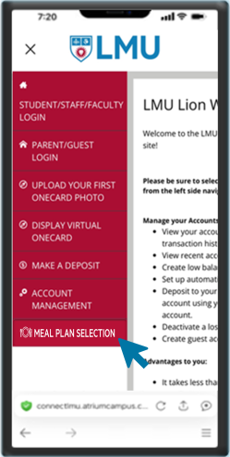
- Manage your Meal Plan Selection (August 1st for Fall and December 1st for Spring - through the third week of classes each term)
- Set up Guest Access for Parent/Guest Deposits (under More Options)
- Deactivate your OneCard if Lost/Stolen (under Account Management)
GUESTS CAN MAKE A DEPOSIT BY CLICKING THE BUTTON BELOW (you will need the student's Campus ID number)
Meal Plan Management
How Do Meal "Swipes" Work?
All-You-Care-to-Eat (AYCE) Meal "Swipes" Overview:
Meal "Swipes"
- Meal "Swipes" are used to access the Lair (in Malone) to enjoy All-You-Care-to-Eat (AYCE) dining.
- Meal "Swipes" are "use-or-lose" each term, so be sure to use them first.
- A portion of your meal swipes (called Meal Exchange "Swaps") may be exchanged at other campus dining locations to purchase a single, pre-determined "combo meal" (varies by location). You will see your Meal Exchange "Swaps" as a separate counter in your Lion Wallet, but they are not additional swipes - "Swaps" are pulled from your main meal swipe count when used. Once your Meal "Swipes" account is empty, there are no more "Swaps" to use even if a remaining count is still visible.
- You may use up to five (5) of your Meal "Swipes" (called "Guest Swipes") each term to treat your campus guests to AYCE dining at the Lair. These guest swipes are partitioned from your total meal swipes count off the top, but they can be accessed as your final swipes if not used for guests.
- You may donate up to two (2) of your Meal "Swipes" each term (via Lion Wallet) to a central account managed and distributed by Student Affairs. These donation swipes are also partitioned from your total Meal "Swipes" count, but they can be accessed as your final swipes if not donated.
For more information about meal plans at LMU, please visit the LMU Hospitality webpage by clicking the box below to get more in-depth information:
Meal Plans Overview_
Meal plans are mandatory for students with an On-Campus Housing agreement. However, students with medical restrictions may request an accommodation from Disability Support Services by providing documentation from their physician. Students with religious or other dietary restrictions should meet with the campus dietician before requesting any exceptions. Students with other extraordinary circumstances may submit a detailed explanation, with supporting documentation attached, for review by committee. Requests based solely on dietary preferences, class or practice schedules, or general misunderstandings of the terms for unused meal plan funds will not be considered and all committee decisions are final.
OneCard Account Types
LION Meal "Swipes" and Dining Dollars
LION Meal Plans are now comprised of both Meal "Swipes" and Dining Dollars. Meal "Swipes" are used for All-You-Care-to-Eat meals at the Lair and Dining Dollars can be used at all campus dining locations (including the Lair). LION Meal Plans are required for all students with On-Campus Housing agreements and are selectable through the Housing application process. Off-Campus residents who would like to purchase an optional meal plan, can do so through their Lion Wallet beginning August 1st for the Fall term and December 1st for the Spring term. Changes to any meal plan can be made within the Lion Wallet through the third week of classes. However, it is important to note that:
- Unused Meal "Swipes" will expire at the end of each term, but any unused Dining Dollars from the Fall will remain available through the Spring term.
- All unused Meal "Swipes" or Dining Dollars (including S-Dollars) will expire at the end of the Spring term.
- Meal plan funds are non-refundable and non-transferable and cannot be replaced in the event of theft so please keep your OneCard number protected and monitor your Lion Wallet account balances, regularly.
For more information about Lion Meal Plans, "all-you-care-to-eat" offerings, or other campus dining options and FAQ's, please visit LMU Hospitality.
Flexi-Dollars
Flexi-Dollars were created as a form of campus currency for students to have access to funds via their OneCard. Flexi-Dollars are accepted in many venues across campus and participating off-campus local merchants. Flexi-Dollars can be used through the Grubhub app at any participating restaurants. Flexi-Dollars balances carry over in your account from year to year as long as you are actively enrolled or employed with LMU. When you leave LMU, you are responsible for contacting the OneCard office to obtain a refund for account balances over $20. Any balances under $20 or left unclaimed for more than 60 days will be surrendered to the program to cover administration costs. Flexi-Dollars cannot be replaced in the event of theft so please keep your OneCard protected and monitor your Lion Wallet account balances, regularly. Any deposits disputed through the bank by the cardholder will result in the immediate suspension of the Flexi-Dollar account pending investigation and the OneCard cardholder will still be liable for any charges made with the disputed funds.
S-Dollars
S-Dollars are optional Dining Dollars that undergraduate students can add to supplement any active LION Meal Plan. However, any remaining balance in an S-Dollars Account will expire along with any unused Dining Dollars at the end of the Spring term or upon separation from the university, whichever event happens first. S-Dollars are exempt from California sales tax and can be used any place Dining Dollars are accepted. S-Dollars, just like Dining Dollars, are non-refundable and non-transferable. S-Dollars cannot be refunded in the event of theft so please keep your OneCard protected and monitor your Lion Wallet account balances, regularly. Any deposits later disputed by the cardholder through the bank will result in the immediate suspension of the S-Dollar account pending investigation and the OneCard cardholder will still be liable for any charges made with the disputed funds.
More OneCard Options
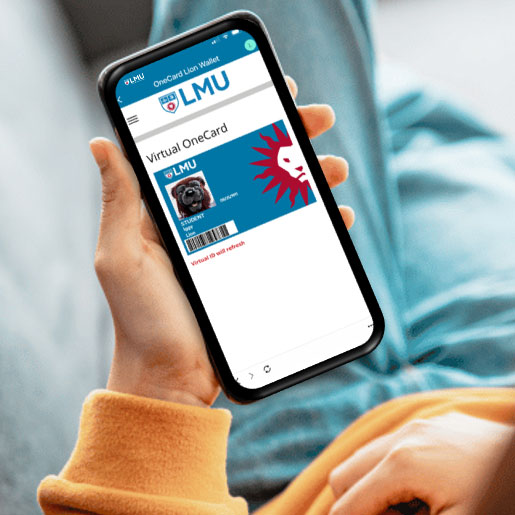
Access your Virtual OneCard
Access Lion Wallet and select this option or download the LMU Lion app from your App Store for quick access.
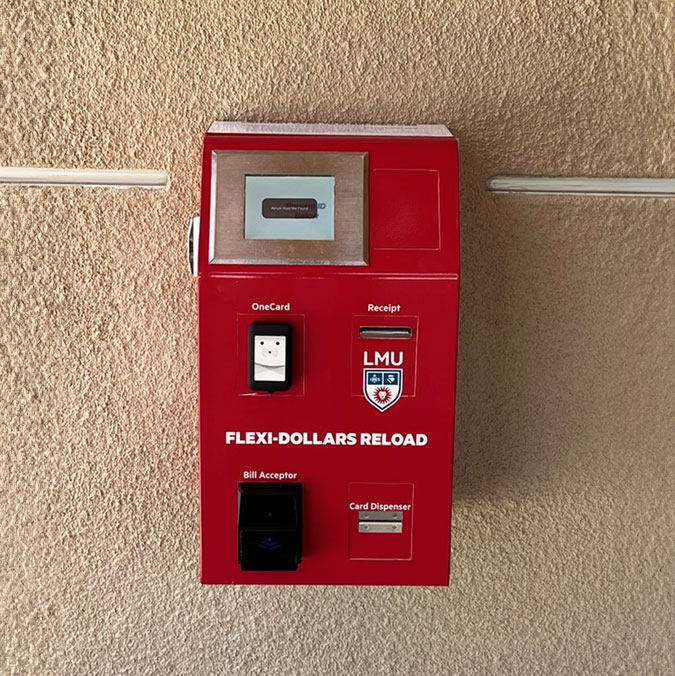
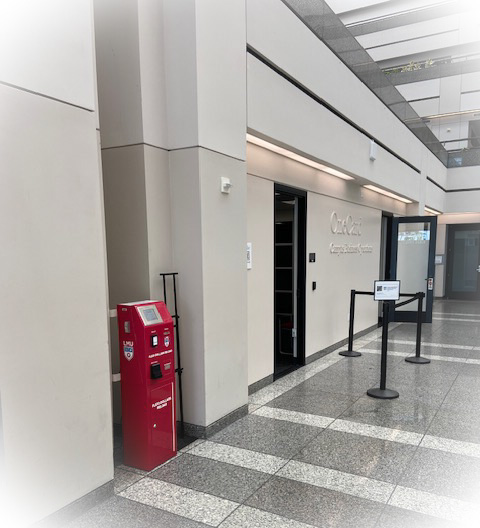
Convert Cash to Flexi-Dollars
Select "Campus Services" then "Cash-to-Flexi Machines" to see all locations.
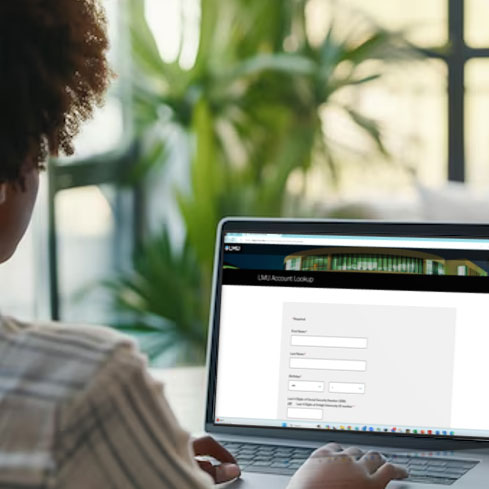

Local Businesses that Accept the LMU OneCard
Check back here often to see when new stores are available.
Need Help? Contact Us!
LMU OneCard Office
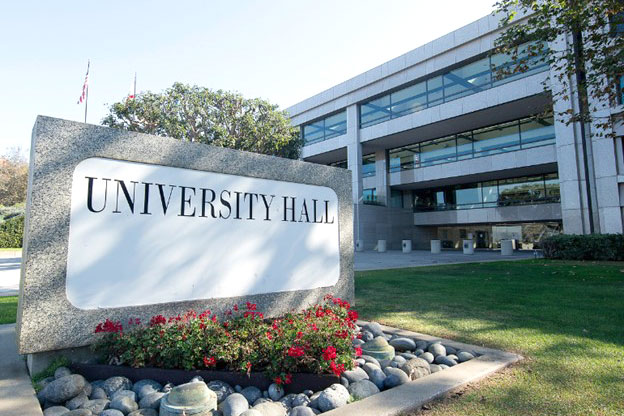
University Hall, Suite 1100 (near the escalator)
Hours of Operation
Monday - Friday, 8:00 a.m. to 5:00 p.m. (may close early the day before a university holiday)
Extended Hours on Wednesday until 7:00 p.m. (during the academic year when classes are in session)